Turn Your Prompts Into Tools with Skills in Chrome
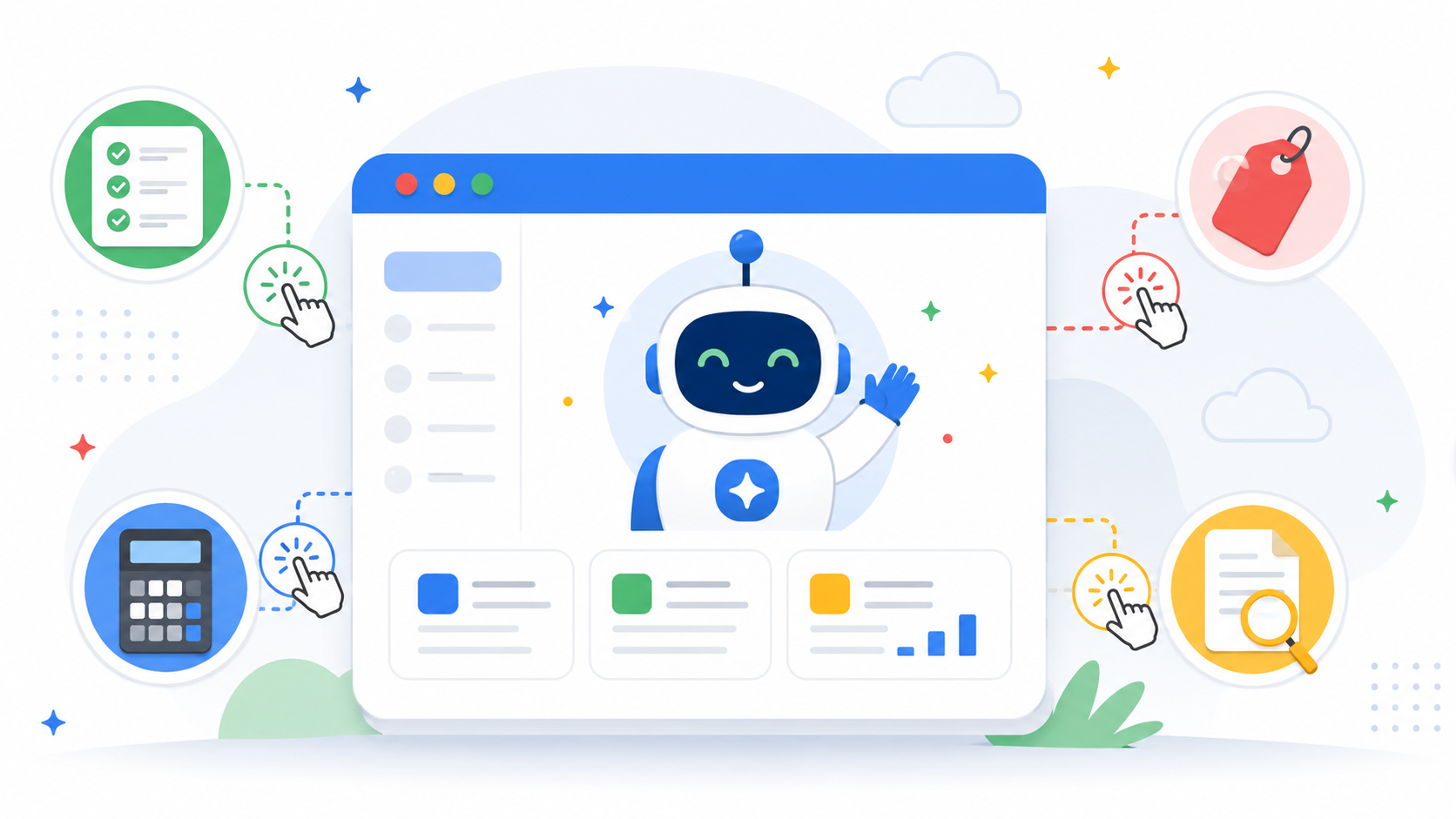
If you've spent any time using AI directly in your browser, you've probably run into the same annoyance: you craft the perfect prompt once, get a great result, and then have to retype the whole thing from scratch the next time you need it — on a different page, a different day, a different tab full of product listings or spreadsheets.
Google just fixed that. Chrome is rolling out a new feature called Skills, and it's designed to turn your favorite recurring AI prompts into reusable, one-click tools that work wherever you're browsing.
The Problem: Great Prompts Shouldn't Be One-Time Use
Think about the last time you asked Gemini in Chrome to do something useful — maybe substitute ingredients to make a recipe vegan, summarize a long PDF, or compare specs across a few open tabs. The prompt worked well, but the moment you needed that same kind of help again, you were back to typing it out from memory. Multiply that across dozens of small, repeatable tasks and it adds up to a lot of wasted effort.
Skills in Chrome addresses this directly by letting you save a prompt once and reuse it forever, without retyping a word.
How Skills Work
The workflow is refreshingly simple:
Write a prompt in Gemini in Chrome that you know you'll want again.
Save it as a Skill right from your chat history.
Reuse it anytime by typing a forward slash (/) or tapping the plus (+) button in Gemini in Chrome, then selecting your saved Skill.
Run it instantly on whatever page you're currently viewing — or across multiple selected tabs at once.
You're not locked into your original wording either. Saved Skills can be edited any time, so a workflow you built weeks ago can evolve as your needs change.
What People Are Already Building
Google says early testers have already turned Skills into genuinely useful personal tools, including:
Health & Wellness — instantly calculating protein macros for any recipe
Shopping — generating side-by-side spec comparisons across multiple open tabs
Productivity — scanning long documents to pull out the important parts
None of these are flashy AI demos — they're the kind of small, repetitive tasks that quietly eat up time throughout the day, which is exactly where a one-click Skill pays off.
Don't Want to Build Your Own? There's a Library for That
Along with the ability to create custom Skills, Chrome is also launching a built-in Skills library — a set of ready-made Skills for common tasks. Want to break down the ingredients of a product before you buy it? Or cross-reference your budget against a recipient's interests to land on the perfect gift? Google has pre-written Skills for tasks like these.
You can add any library Skill straight to your saved list, and if it's close but not quite right, you can open it up and tweak the underlying prompt to fit exactly what you need.
Built on Chrome's Existing Safeguards
Skills don't operate with any less oversight than a regular AI prompt in Chrome. They're built on the same security and privacy foundation as the rest of Gemini in Chrome — meaning a Skill will still ask for your confirmation before taking a sensitive action, like adding something to your calendar or sending an email on your behalf. Skills also benefit from Chrome's broader protections, including automated red-teaming and automatic updates.
Availability
Skills are rolling out now to Gemini in Chrome on desktop — Mac, Windows, and ChromeOS — for users with Chrome set to English (US). Once saved, your Skills sync to any signed-in Chrome desktop device, and you can manage them at any time by typing / in Gemini in Chrome and clicking the compass icon.
Repeating the same AI prompt over and over was never a great use of anyone's time. With Skills, Chrome is betting that the best AI experience isn't just about answering one-off questions — it's about turning your best ideas into tools you can use again and again.